
Coco AI v0.10: Resizable Extension Windows, One-Click Open, and a Refreshed UI
Table of Contents
Coco AI
Coco AI is an open-source, cross-platform search and assistant system designed for both individuals and enterprises. Today, we are excited to announce its latest release 0.10.0.
Release Highlights
Coco AI v0.10 focuses on a smoother daily workflow around extensions and a modernized UI stack. On the server side, we continue expanding connector coverage for vector and cloud storage scenarios.
- Resizable Extension UI Window: Coco AI App now supports resizing extension UI windows.
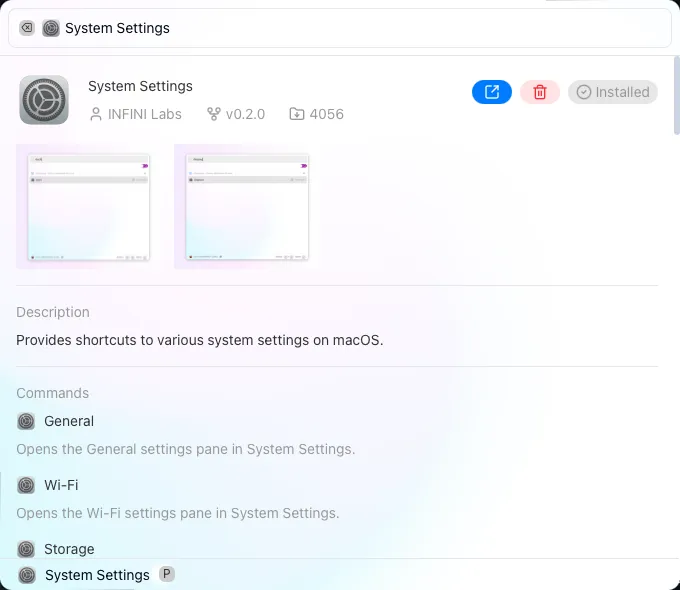
- Open Newly Installed Extensions Directly: Extensions installed in Coco AI App can now be opened directly—no need to go back to search.
- Upgraded UI Experience: Coco AI App replaces legacy components with shadcn/ui to improve visuals and interactions.
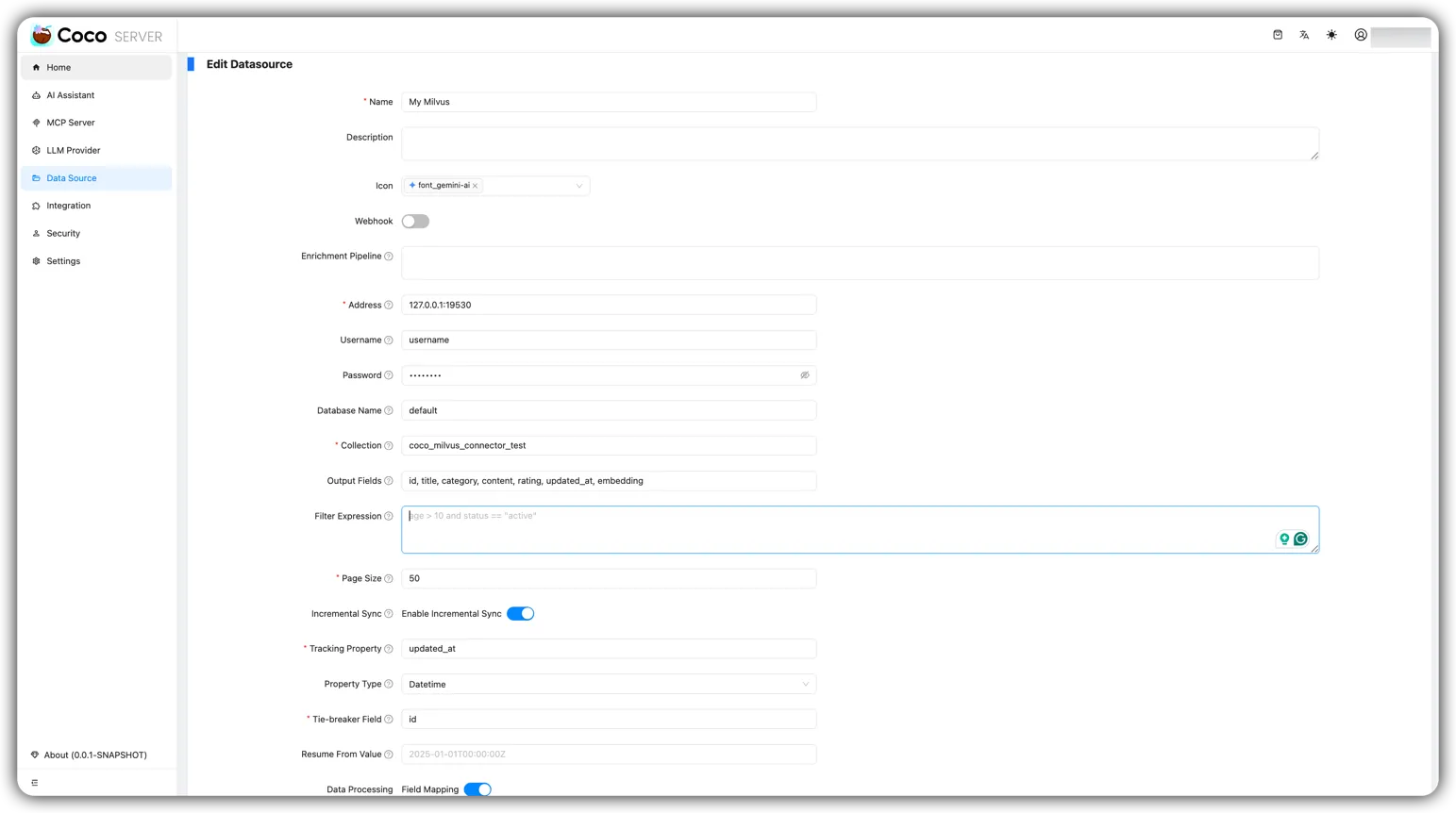
- Coco Server Adds a Milvus Connector: Coco AI Server adds a Milvus connector, enabling vector database storage and querying.
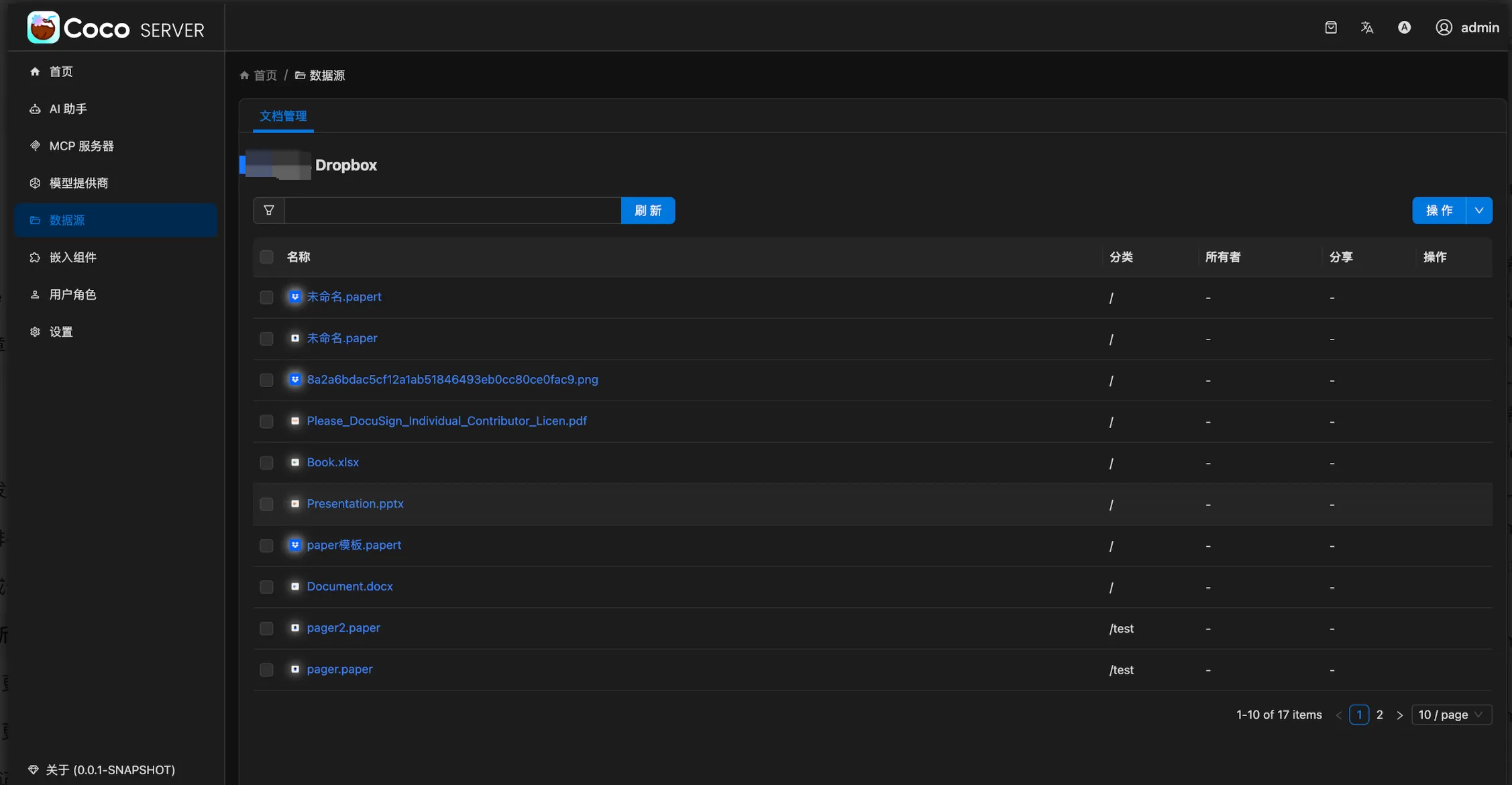
- Coco Server Adds a Dropbox Connector: Coco AI Server adds a Dropbox connector, supporting file storage and querying.
Coco App v0.10.0
Features
- feat: add a heartbeat worker to check Coco server availability #988
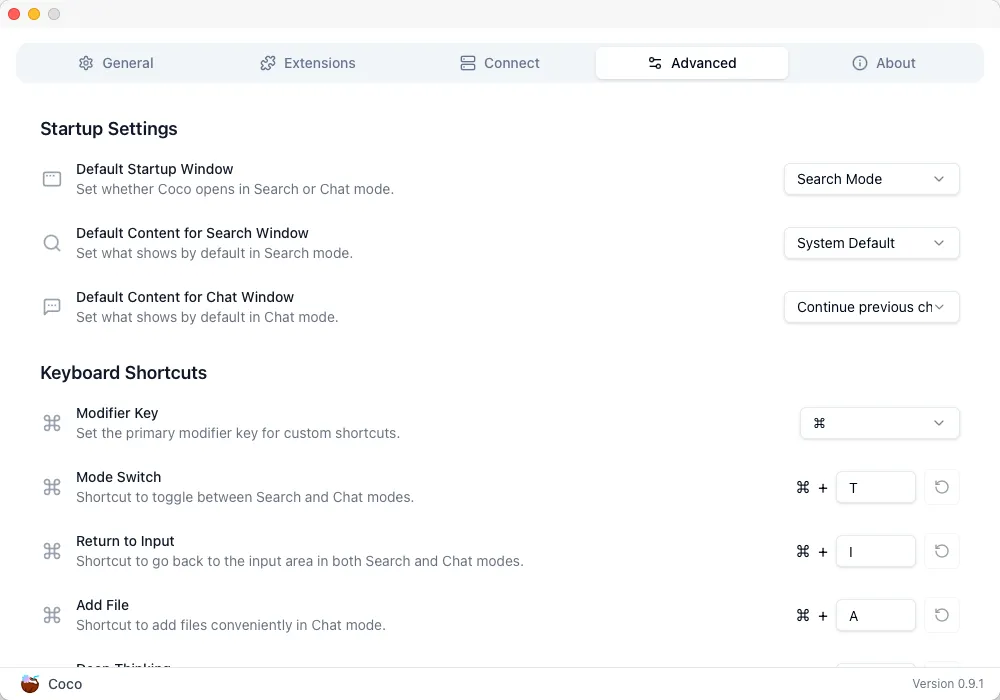
- feat: selection settings add & delete #992
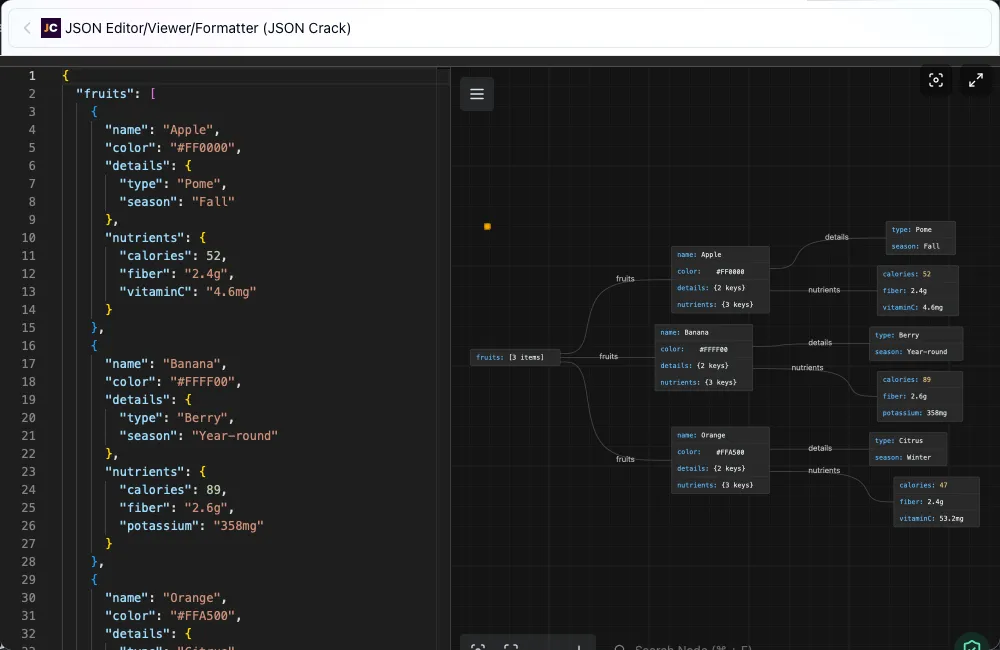
- feat: resizable extension UI #1009
- feat: add open button to launch installed extension #1013
Bug fix
- fix: search_extension should not panic when ext is not found #983
- fix: persist configuration settings properly #987
- fix: fix the abnormal input height issue #1006
- fix: implement custom serialization for Extension.minimum_coco_version #1010
Improvements
- chore: write panic message to stdout in panic hook #989
- refactor: error handling in install_extension interfaces #995
- chore: adjust the position of the compact mode window #997
- refactor: replace legacy components with shadcn/ui components #1002
- chore: show error msg (not err code) when installing exts via deeplink fails #1007
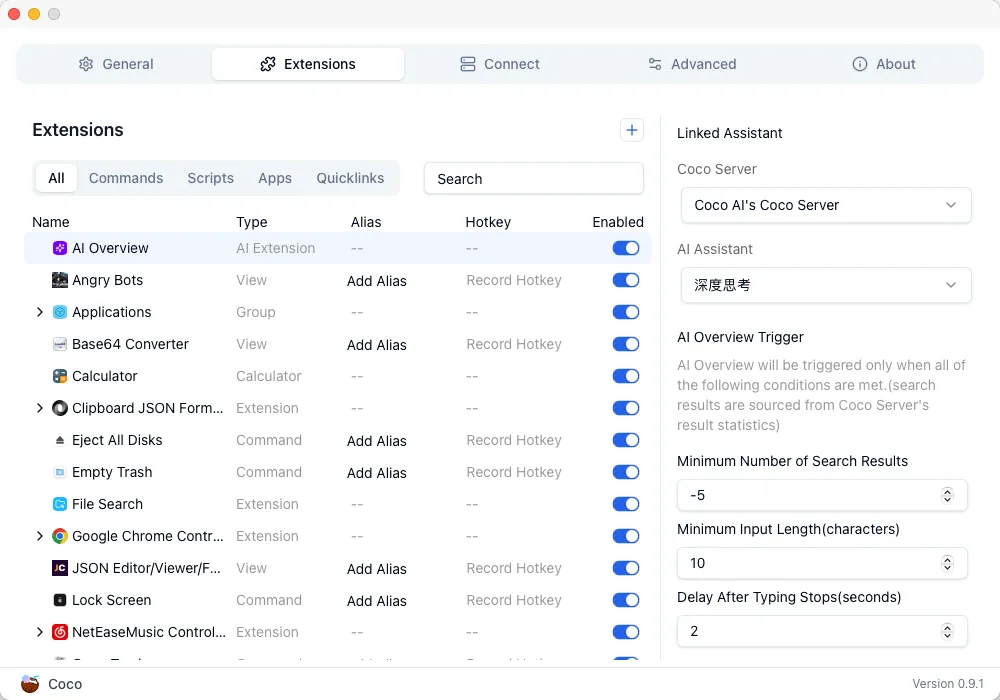
- refactor: treat Applications and File Search as normal extensions #1012
Screenshots
Coco Server v0.10.0
Breaking changes
- None
Features
- feat: add metrics module #594
- feat: jira connector #567
- feat: milvus connector #613
- feat: dropbox connector
Bug fix
- fix: resolve icons absolute url for search api #615
Screenshots
Getting Started
Coco AI is available on macOS, Windows, and Ubuntu. You can start using it today by downloading from the following links:
- Download Coco AI: https://coco.rs
- Desktop App: https://github.com/infinilabs/coco-app
- Coco Server: https://github.com/infinilabs/coco-server
- Docs for Desktop App: https://docs.infinilabs.com/coco-app/main
- API for Coco Server: https://docs.infinilabs.com/coco-server/main
Looking Ahead
We’re committed to improving Coco AI, adding more features, and enhancing the integration with both personal and enterprise systems. Stay tuned for future updates and features as we continue to develop Coco AI into a powerful AI-driven knowledge management tool.
Happy searching with Coco AI!
We look forward to seeing how Coco AI can help streamline your information access and improve productivity.